
 Simone
微软官网下载Windows10
的有关信息介绍如下:从微软官网下载Windows10的步骤如下:
准备工具与原料
联网电脑
任意浏览器
微软官网链接:https://www.microsoft.com/zh-cn/software-download/windows10/
进入微软官网下载页面
在浏览器中直接访问微软官网链接,或通过搜索引擎(如百度)输入“下载Windows10”,找到微软官网地址并进入。
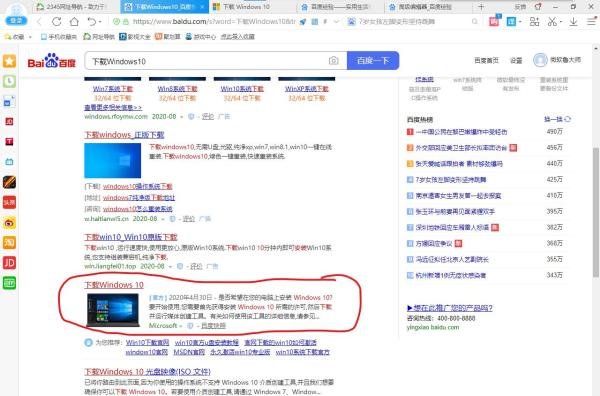
进入官网后,页面会显示Windows10下载相关选项。
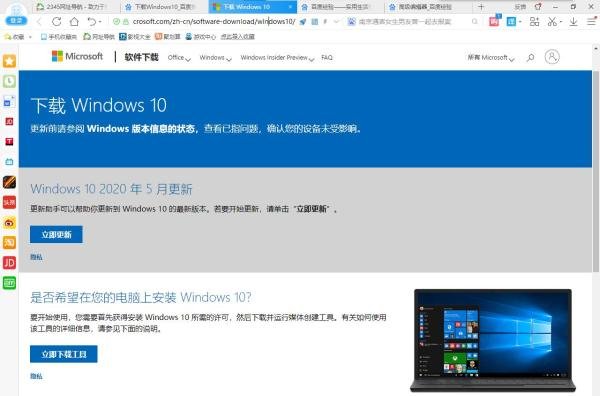
下载并运行工具
单击页面中的“立即下载工具”按钮,下载完成后双击运行该文件。


接受许可条款
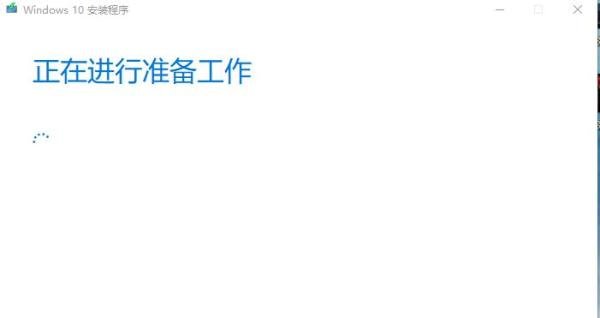
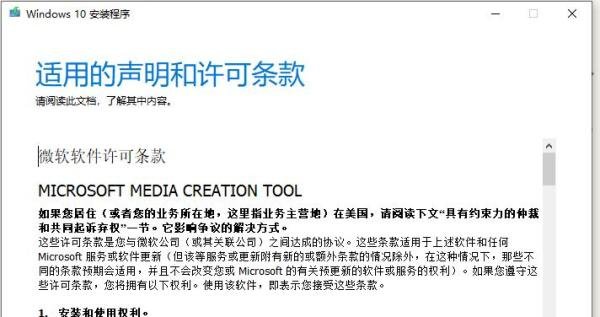
运行工具后,等待一段时间会出现许可条款界面,点击“接受”继续。
选择操作类型
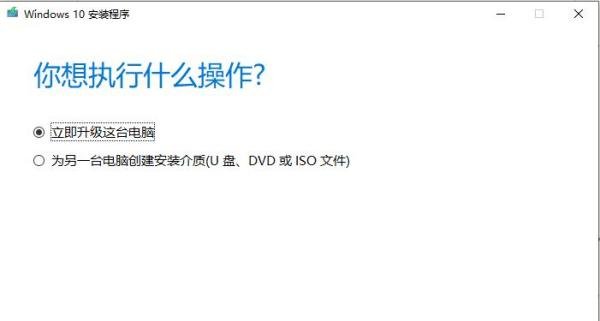
若当前电脑为Windows XP/7/8,选择第一项“立即升级这台电脑”以升级到Windows10。
若需为另一台电脑安装Windows10,选择第二项“为另一台电脑创建安装介质”,并指定下载位置(建议选择非系统盘分区)。
注意事项: